
Pixelcade Sidekick
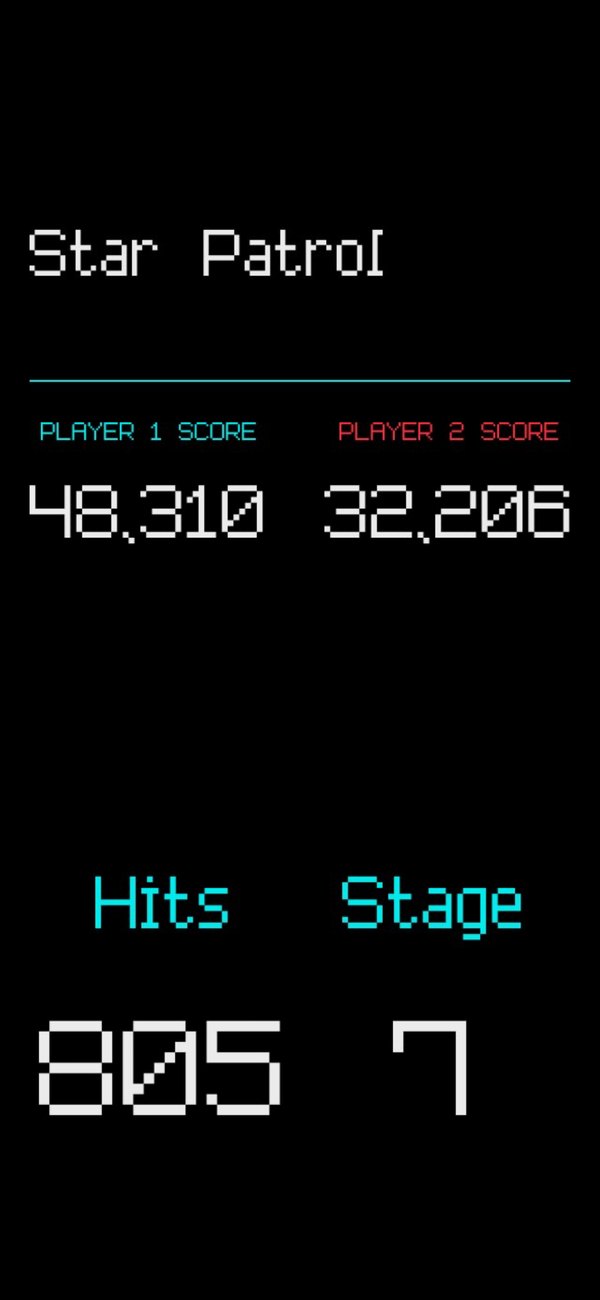
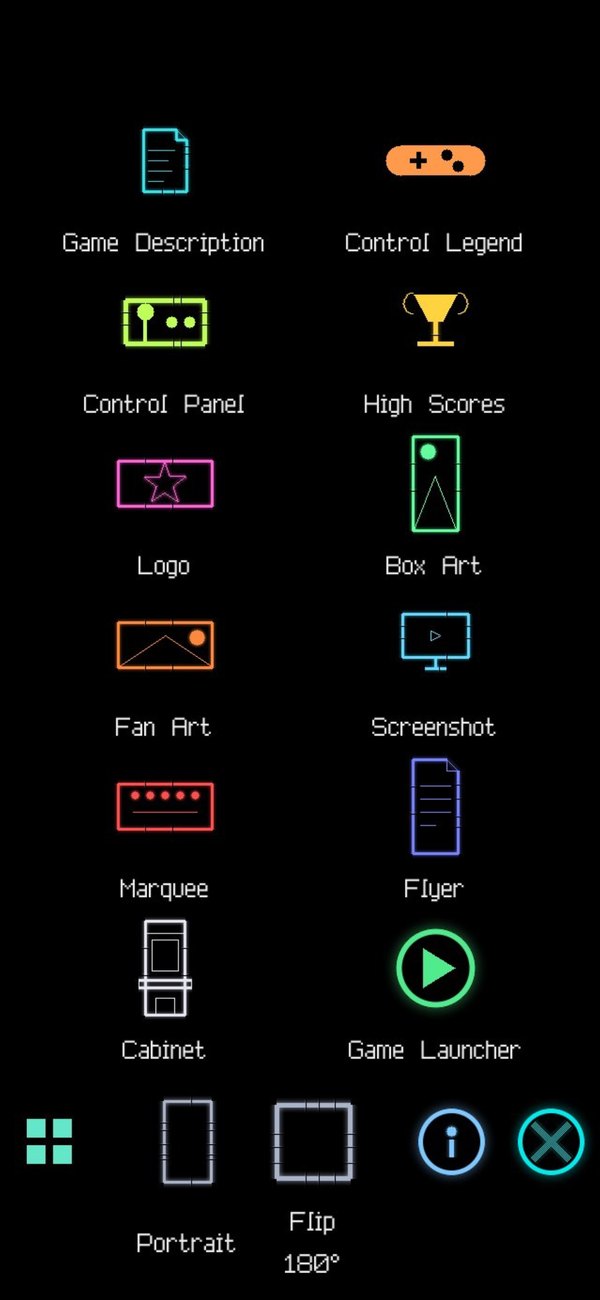
Turn a phone or tablet into a Sidekick display for your cabinet. It shows box art, game descriptions, controls, high scores and live game stats, and changes with every game you launch, alongside your Pixelcade marquee.


What it shows
Live scores and stats while you play, game cards to choose from, and widgets when the cabinet is idle.




Getting started
Install the app
On an iPhone, iPad or Android phone or tablet that's on the same WiFi as your cabinet.
Turn on Sidekick
In Pixelcade Companion on your cabinet, go to Settings > Sidekick to unlock it and turn it on.
Pick your Pixelcade
Open the app and choose your cabinet from the list. It updates with every game you launch.
No cabinet nearby? Open the app and tap See a Demo to try it first.
Need help?
Ask us on Discord.